Enka Embed
Easily share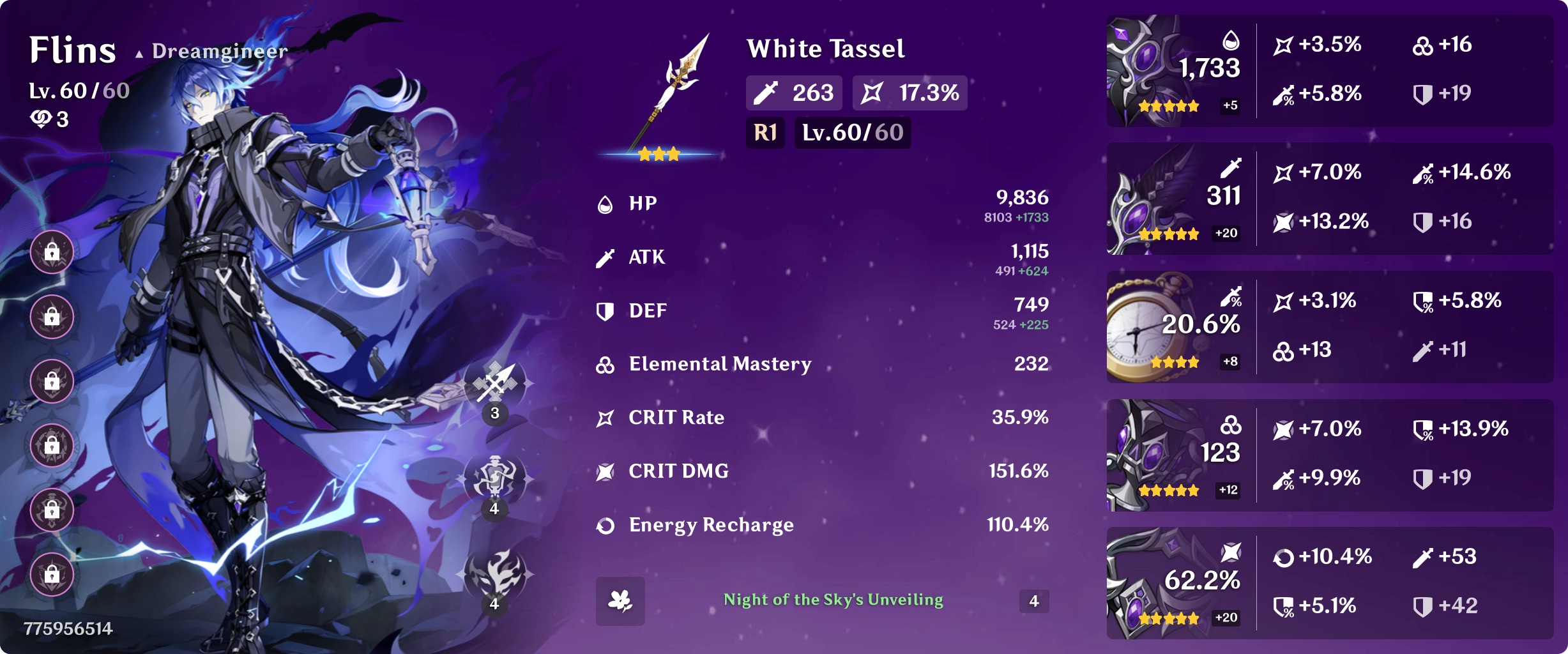
Quick Start
Paste a link like https://card.dgnr.us/u/887888036 into chat and it will render automatically.
The profile page lists all available characters, with their character IDs shown on each card.
Use that ID to construct a character URL.
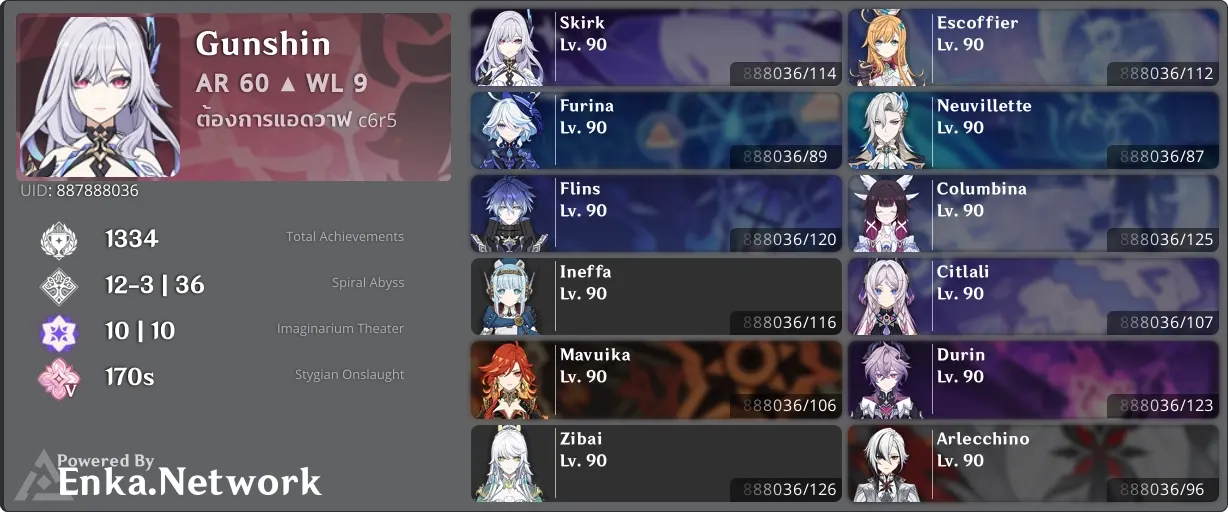
Example:
/u/887888036/120 - character card for Flins
You can modify the result by appending flags directly to the ID:
/u/887888036/120+substat - show substat breakdown
/u/887888036/120+quality - show roll quality
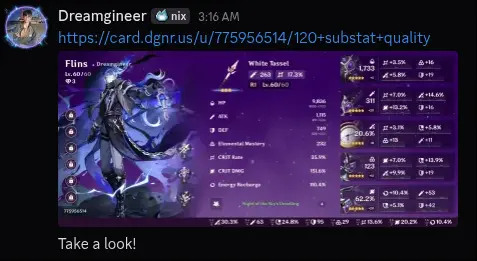
You can also combine them: /u/887888036/120+substat+quality
How it works
The renderer fetches your showcase data from Enka Network, then generates the card directly using a native
rendering
pipeline.
Instead of using a headless browser, the UI is rendered programmatically and returned as a WebP image.
This approach is more consistent and avoids the overhead of screenshot-based rendering.
Internally, Enka Embed has 2 layers, the embed layer and the renderer API. The embed layer is responsible for
parsing flags(like +substat) into query parameters and generating a OpenGraph HTML for platforms to
render the embed. The renderer API is responsible for fetching data from Enka Network, rendering the card and
returning the image. The renderer API is also open to the public, so you can integrate it into your own projects!
Check out the API documentation for
more details.